
There are instances where you want to transfer domains from one registrar to another. For this case, we are moving away from Squarespace to Cloudflare.
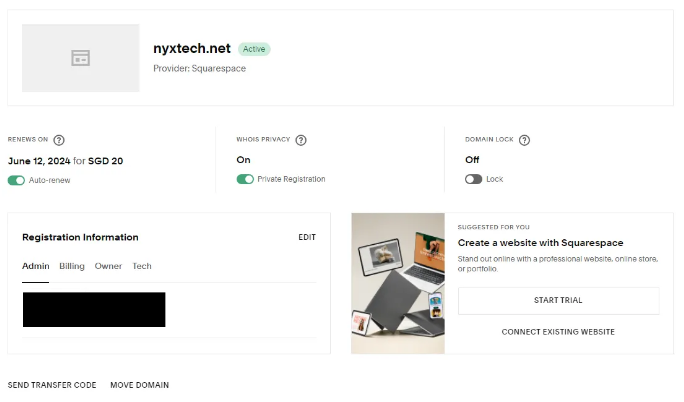
- Open the Squarespace and navigate to the Overview Page.
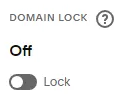
- Disable the Domain Lock of the domain you wish to transfer. By default, the Domain Lock is ON to prevent domain transfer.
Disabling the Domain Lock
Note: wait for few hours (Max 24 Hours) to enable the transfer
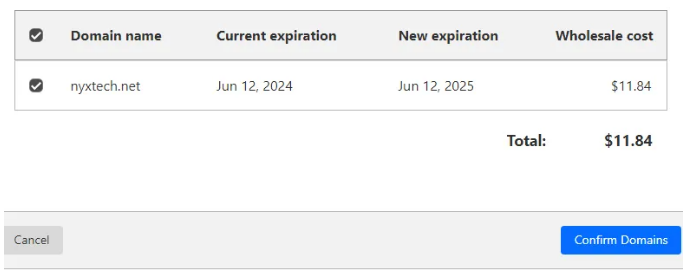
3. On the Cloudflare Dashboard, it will indicate on the “Transfer domains” if it is ready. Click “Confirm Domains”.
4. On the Squarespace, click on “SEND TRANSFER CODE”
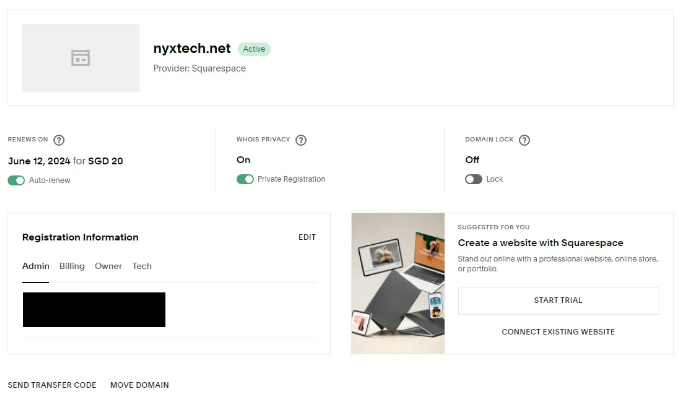
5. You will receive a “Domain Authorization Code” on the email who owns the domain.
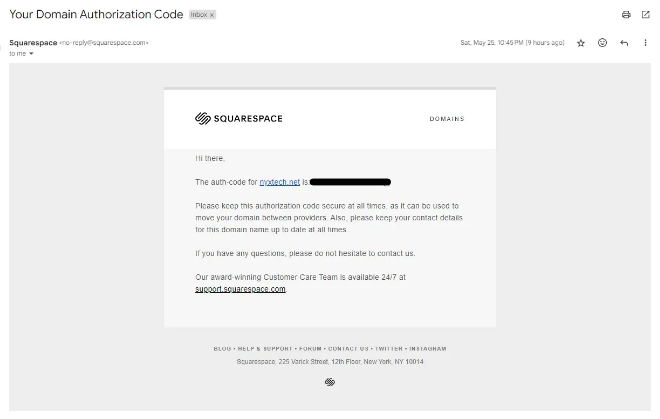
6. Specify the “Domain Authorization Code” on the Cloudflare Transfer Domain Page.
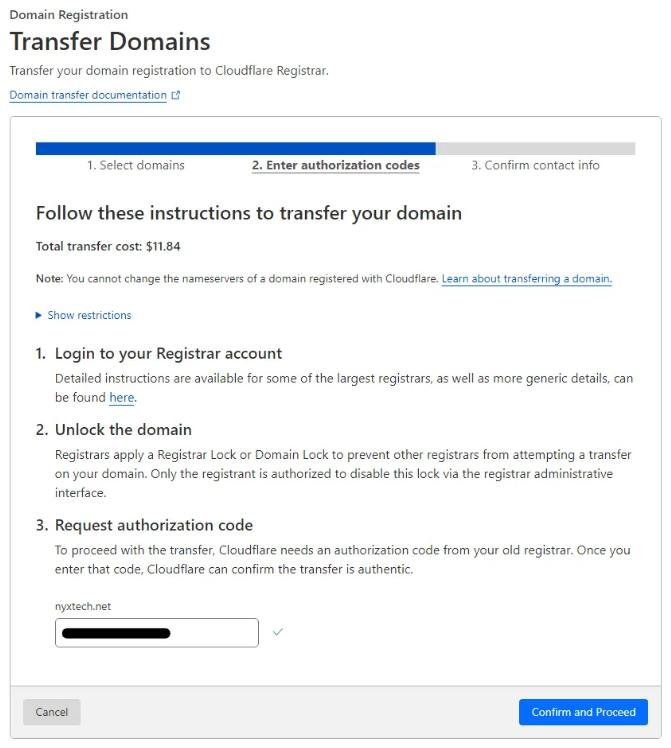
Click “Confirm and Proceed”
7. Provide the Correct Information.
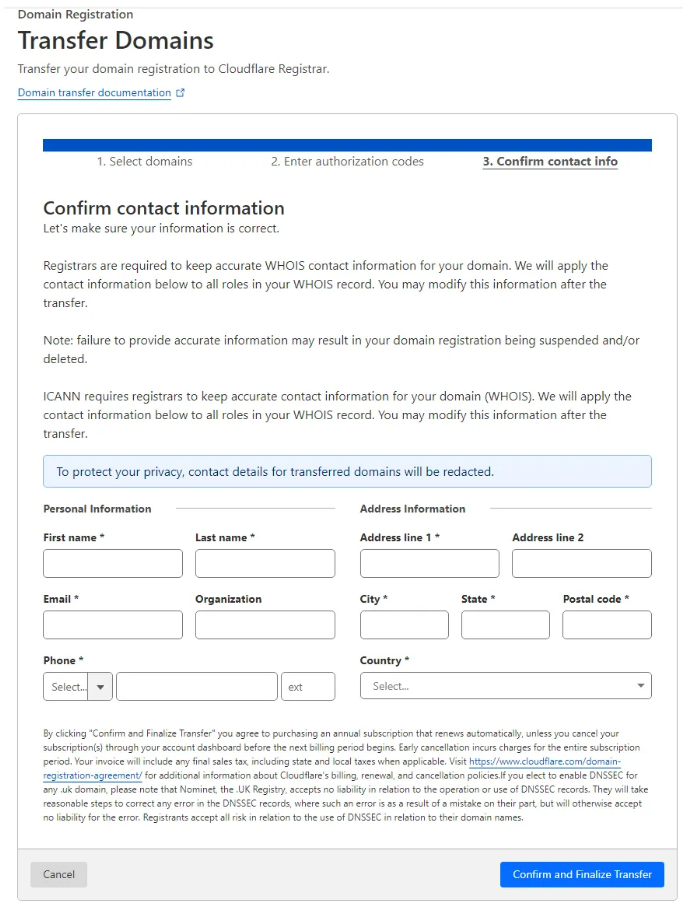
Click “Confirm and Finalize Transfer”
8. A confirmation will indicate that it will take up five days to transfer your domain.
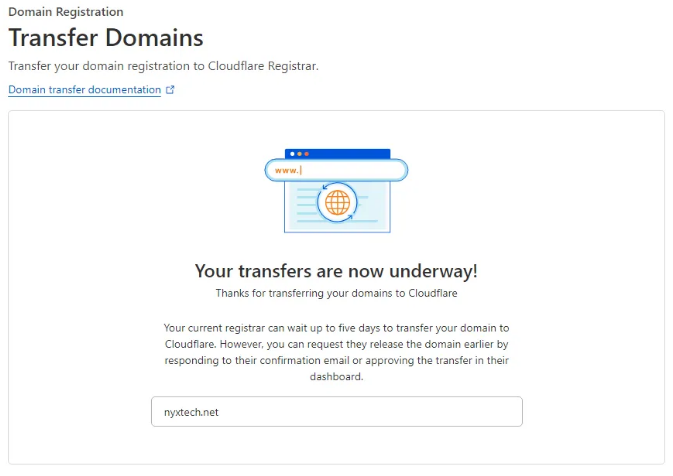
And we are done. Wait for the Domain to be transferred to Cloudflare.